One rental contract for all trucks and trailers
ETS2 + ATS
The switch in the settings: one contract for your trucks and one for your trailers, or a separate one for every vehicle.
On this page6
With this switch you decide how many rental contracts you have with the dealer. I built it as a switch so that you choose this yourself. It starts off.
- Off: Every truck and every trailer has a separate rental contract. For a truck, make and model count; for a trailer, the body type. If you drive another model, you need a new contract for it.
- On: You have one rental contract for your trucks and one for your trailers. You choose freely which one you drive.
Even with the switch on, truck and trailer stay two separate contracts. ETS2 and ATS are separate too: each world has its own contracts.
Where to find the switch#
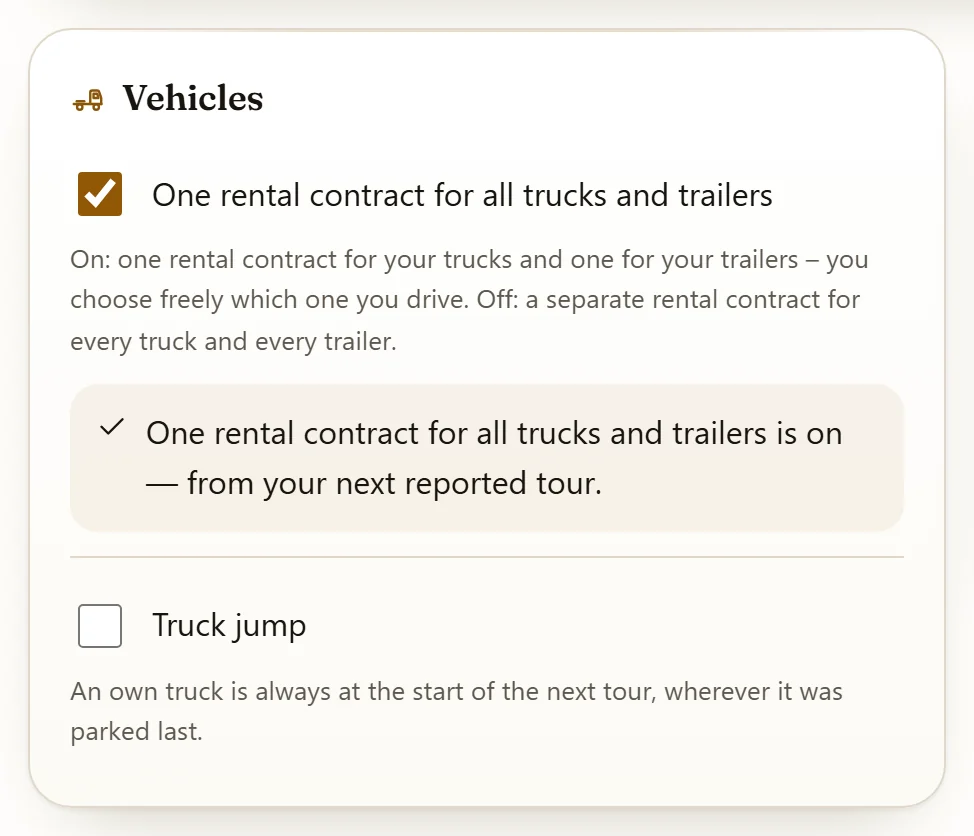
It is in the settings under Drive, on the card "Vehicles".
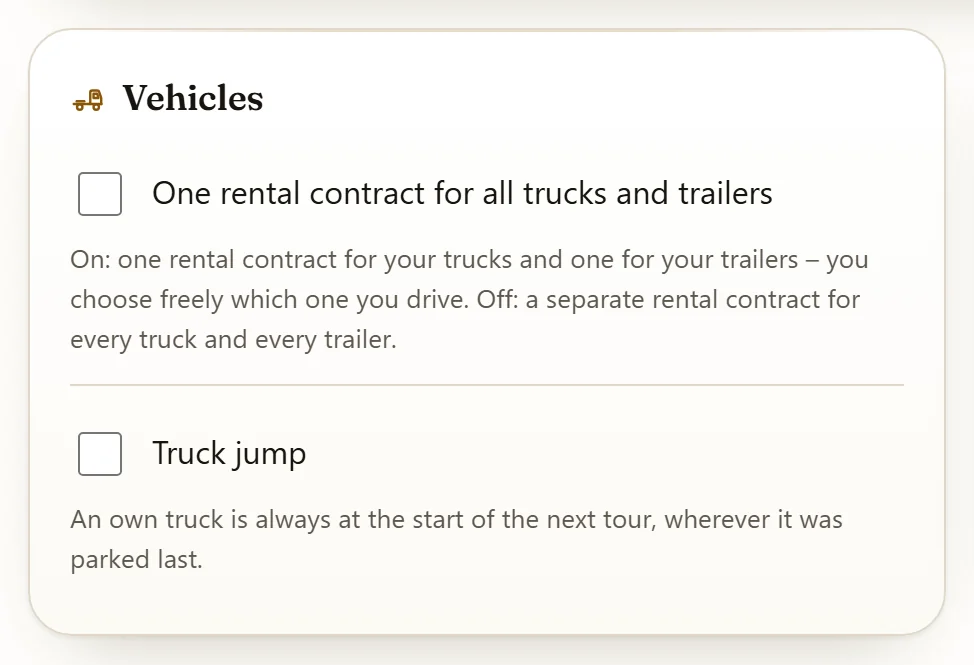
When you flip it, the card confirms it: "One rental contract for all trucks and trailers is on — from your next reported tour." When you switch it off, it says: "One rental contract for all trucks and trailers is off — from your next reported tour."
What happens on a change#
With the switch on, if you report a tour with another truck model or another trailer body type, it stays the same contract. The dealer only swaps the vehicle inside it.
- Rate, term and the distance of the period stay. All kilometres count on this one contract.
- The previous vehicle goes straight back to the dealer. There is no return run on the freight market for it.
- You get a message about the new vehicle, with the vehicle and the city.
- If the dealer does not have the vehicle right now, your tour still runs. The contract then stands without an assigned vehicle for the time being.
The app does not ask you for a new contract on a change, it knows the running one. On the Rental page the contract carries the mark "One rental contract for all trucks and trailers".
If a mod reports your trailer differently#
I tell trailers apart by the body type reported in the game. If a mod, for example for reefer trailers, reports the same trailer as one body type at one time and another at another time, those are two body types to me.
- Switch off: Each body type has its own contract, so you can end up with two.
- Switch on: It stays the one trailer contract, the body type inside it changes along.
Several contracts already, or switching off again#
- You already have several contracts and switch on: The newest becomes the one contract. Older ones stay open until they run out. New tours no longer go on them.
- You switch off again: The contract stays on the vehicle it last held. For another model you then need a separate contract again.
In a VTC#
If you are in a VTC, the VTC decides. The switch is greyed out for you and the reason stands right next to it: "Greyed out because your company sets this."
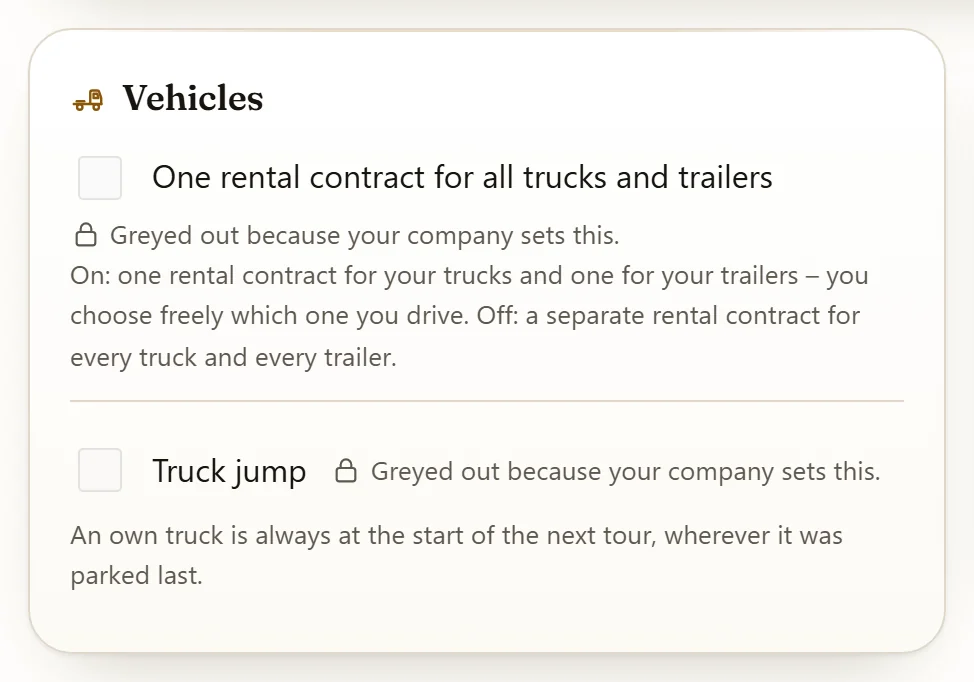
Your VTC sets it on the page VTC settings: tile "Rules", then "Show settings", then the topic "Vehicles". Whoever holds the right in the VTC may change it.
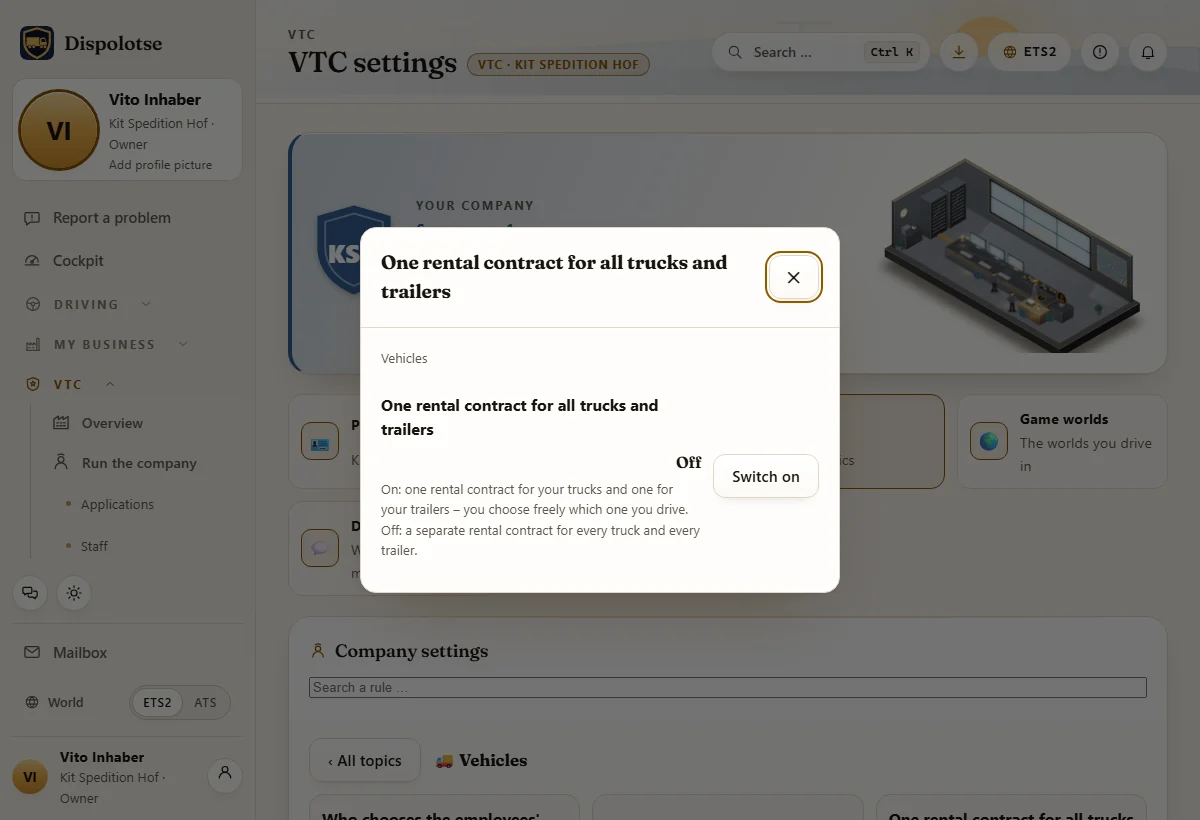
The card of a VTC shows how it handles this: "Rental: one contract for all trucks and trailers" or "Rental: one contract per truck and trailer".
If you had switched it on yourself before, the VTC's value still applies inside the VTC. Your own value stays stored and applies again when you leave the VTC.
When you need no rental contract at all#
The switch changes nothing here: vehicles you own and quick jobs run without rent.
Related
- ETS2 + ATSRenting from the dealerRented truck and trailer: rates S1 to S5 per 7 days, choose a rate, term, extend.Dealer
- ETS2 + ATSReturn check and wearWhat happens after you return a rented or loan vehicle, and how the wear flat rate shows in your settlement.Dealer
- ETS2 + ATSDealer workshop and loan vehicleRepairs at the dealer: where, when, who pays — and the loan truck or loan trailer while your vehicle is off the road.Dealer